



 한국어
한국어
 English
 简体中文
简体中文
 日本語
日本語
 Tiếng Việt
 ខ្មែរ
ខ្មែរ
UTTU CAD[Analysis] Feature Guide
작성자 :
manager
작성일 :
2026.03.18 18:02
조회수 :
503
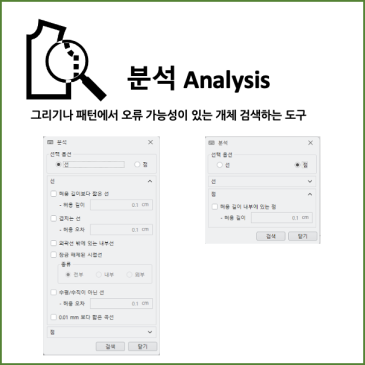
Hello. This is UTTU. When working on patterns, small, invisible errors can determine the overall quality of the work. This is especially true when importing DXF files, which often contain unexpected errors such as short lines, broken lines, or unnecessary points. This is where the ‘Analysis’ function comes in handy. It is a key tool that allows you to quickly identify potential errors within a pattern and clean them up all at once. ✔ Why the Analysis Function Is Necessary DXF files frequently contain the following errors: Lines that are too short (noise data), Broken lines, Unconnected unnecessary lines, Curves and points that do not meet standards. These elements cause errors during pattern modification, grading, and marker work.......